
OpenPartner Deployment Skill User Guide
Applicable software: AI tools that support
SKILL.mdskills ✅Skill name:
setup_openpartnerSoftware that has not integrated the skill cannot use this skill.
⚠️ For the hardware requirements (server specifications), see section 1.1 of the "Multi-Node Deployment Guide"; for the environment dependencies, see the "Quick Single-Node Deployment Guide" and the "Multi-Node Deployment Guide".
I. Usage
If Claude Code (Anthropic), Codex CLI (OpenAI), WorkBuddy (Tencent Cloud), or another AI agent that supports local file and command execution is already installed on the machine, you can skip steps 1 and 2 and go straight to pasting the prompt from step 3 into the agent's chat box — they can all read setup_openpartner.md and follow the steps.
Step 1 · Install Node.js (npm included) (skip if Node.js is already installed):
Install Node.js first (nodejs.org, grab the LTS build — npm is bundled).
Step 2 · Install the opencode CLI (Windows / Linux):
npm install -g @opencode/cli # install the opencode AI agent runtime globallyStep 3 · Enter it in opencode (paste into the chat box):
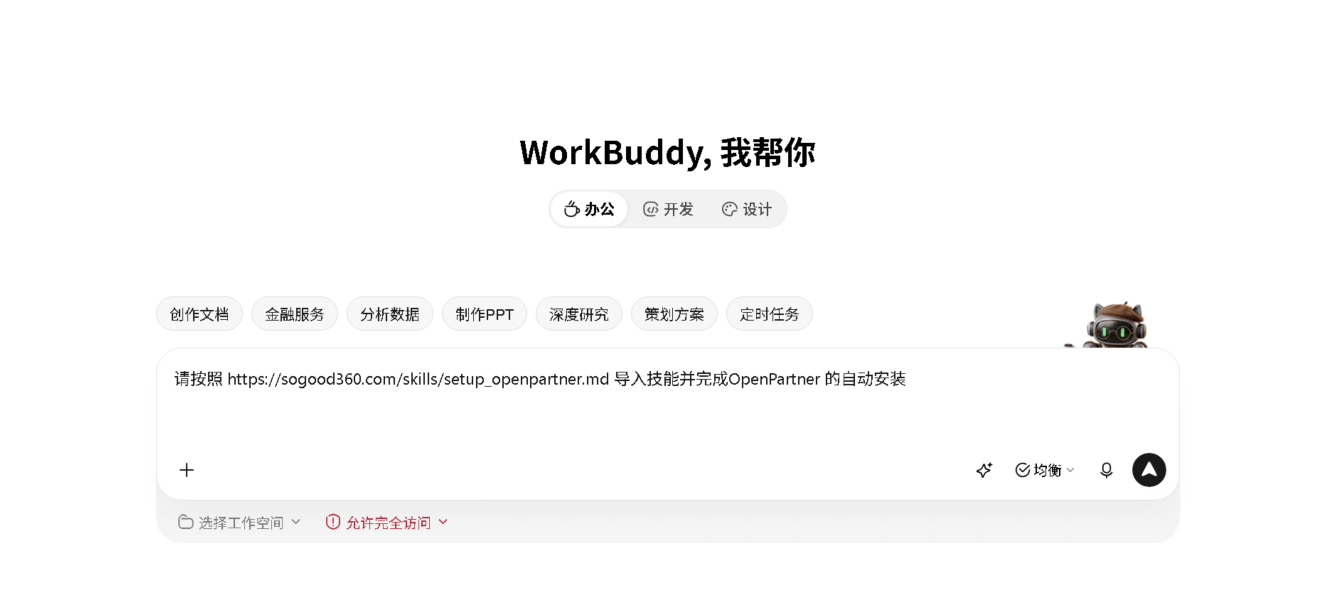
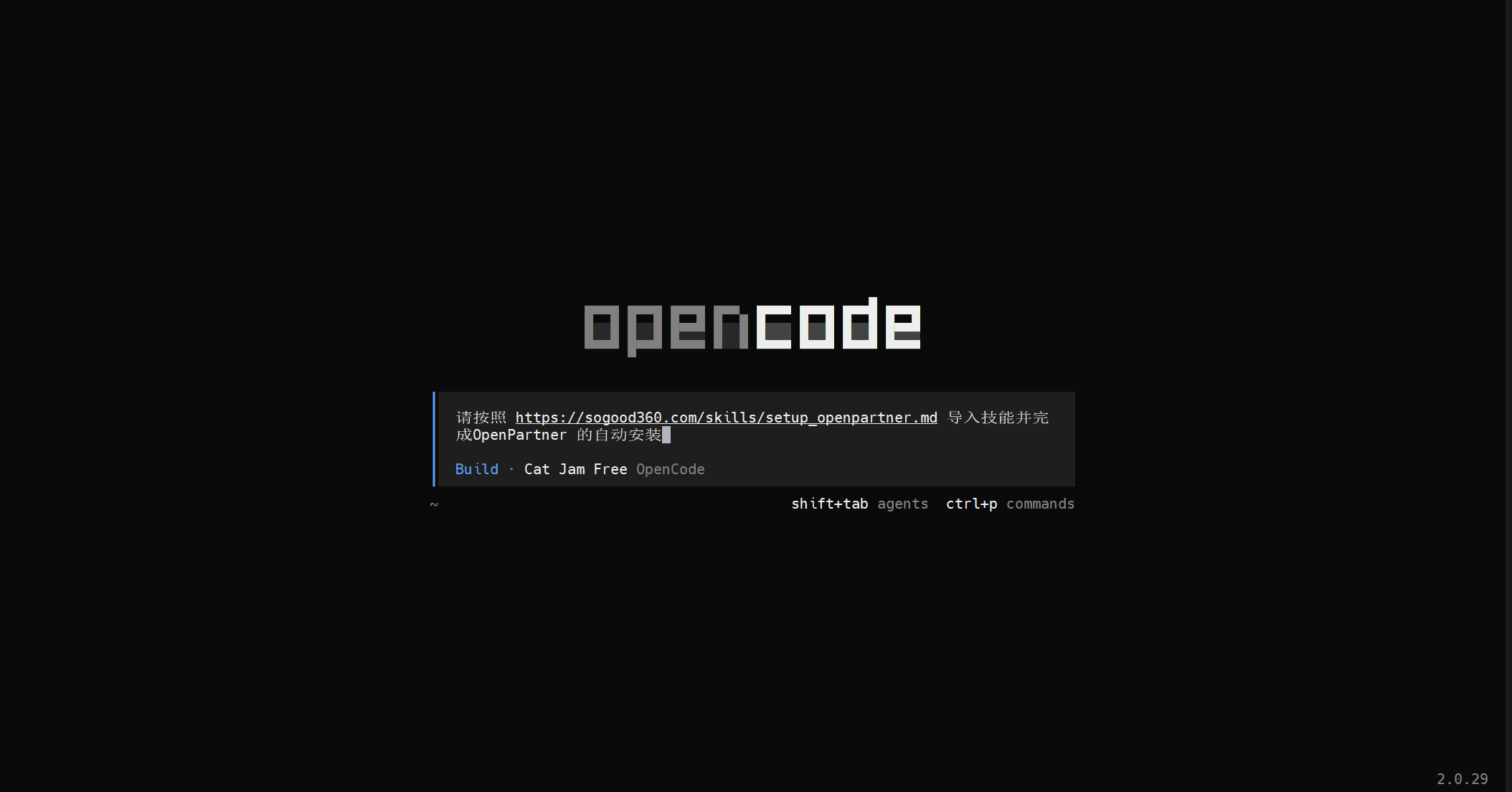
Please follow https://sogood360.com/skills/setup_openpartner.md to complete the automatic installation of OpenPartnerExample:
WorkBuddy example:
OpenCode example:
Appendix A · Common Prompts
After selecting the setup_openpartner skill, simply tell the AI what you need. Common prompts include:
Help me deploy OpenPartner on this machine      # first deployment
Help me deploy OpenPartner on <server IP>       # deploy to a remote server (replace <server IP> with the actual server IP)
Help me add an OpenPartner node                 # join an existing OpenPartner
Help me deploy an OpenPartner upgrade server    # optional: distribute the intranet/offline version (TCP 3101 must be allowed)
Help me uninstall OpenPartner                   # uninstall and clean up
Appendix B · FAQ
Q: Will it keep asking for the password?
- No. The admin / MySQL / SSH passwords are registered once and reused throughout the whole process.
Q: Will running it repeatedly cause errors?
- The AI checks before executing each step; steps that are already completed are skipped automatically;
- Running it repeatedly is safe as well.
Q: What is provided after the deployment is complete?
- The AI outputs the delivery information: the sign-in address
http://<IP>:9620, the account and password, the version number, the configuration file path, and the result of the child node onboarding.
Q: Can OpenPartner be installed locally on macOS?
- Not supported. The OpenPartner server side supports only Windows Server, Ubuntu, RHEL / Rocky, Debian, and Xinchuang systems (Kylin Galaxy, openEuler);
- Use Windows or Linux for the client machine as well (the one that runs the opencode CLI).